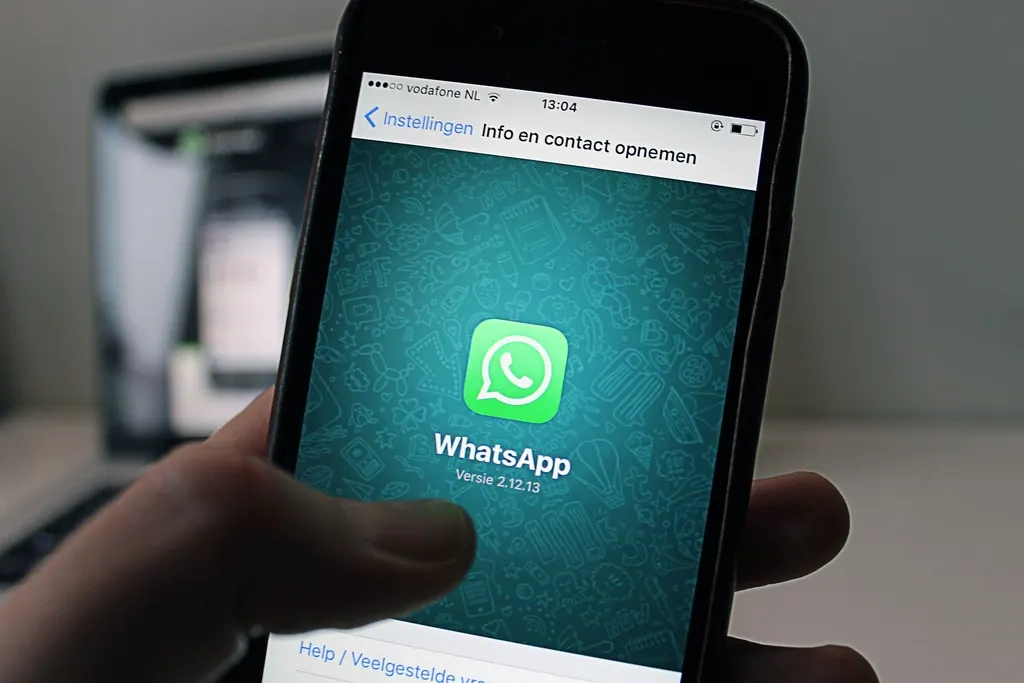
In the UAE, WhatsApp is how people talk to businesses. A potential client who has to copy your number, save it as a contact and then open the app is a client you might lose. A click-to-chat button removes all of that friction — one tap and they are messaging you.
Why a WhatsApp button matters in the UAE
WhatsApp is used by the vast majority of smartphone users in the UAE, and it is the default way to message tutors, trainers, salons, clinics and freelancers. Clients like it because it is informal, fast and lets them reply when it suits them. For you, it means enquiries arrive where you already spend your day, with the conversation history saved.
Step 1: Build your WhatsApp link
WhatsApp provides an official click-to-chat link format:
https://wa.me/<number>The number must be in full international format without a plus sign, spaces, dashes, brackets or a leading zero. For a UAE mobile number such as 050 123 4567:
- Drop the leading 0 → 50 123 4567
- Add the UAE country code 971 → 971501234567
- Final link:
https://wa.me/971501234567
Step 2: Add a pre-filled message
You can add a message that appears in the client's chat box, ready to send. Add ?text= followed by your message, URL-encoded (spaces become %20):
https://wa.me/971501234567?text=Hi!%20I%20found%20you%20on%20your%20website%20and%20I%27d%20like%20to%20book%20a%20trial%20session.A pre-filled message has two benefits: the client does not have to think about what to write, and you instantly know the enquiry came from your website.
Step 3: Add the button to your site
The simplest version is a normal link styled as a button:
<a href="https://wa.me/971501234567?text=Hi!" class="whatsapp-btn"
   target="_blank" rel="noopener">Chat on WhatsApp</a>
Many sites also add a round "floating" button fixed to the bottom corner of the screen, so it is always within reach as the visitor scrolls. That is what you see on every page of this website. Website builders usually have a WhatsApp widget or an embed block where you can paste the link.
Where to place the button
- At the top of the home page, next to your main headline.
- As a floating button on mobile, but make sure it does not cover other buttons or text.
- On your pricing page, where visitors are closest to deciding.
- At the end of every blog post or service description.
Best practices that increase replies
Use WhatsApp Business
The free WhatsApp Business app lets you add a business profile, opening hours, a greeting message and quick replies. An automatic greeting such as "Thanks for your message! I usually reply within two hours" sets expectations when you are busy teaching or training.
Reply quickly
Speed matters more than polish. Clients often message two or three providers at once, and the first helpful reply tends to win.
Keep a form as a backup
Some clients, particularly corporate ones, prefer email. A simple contact form or email link alongside WhatsApp covers everyone.
Mind privacy
Your WhatsApp number will be public. Many freelancers use a separate business number or a dual-SIM phone to keep work and personal chats apart.
Test it before you go live
Open your site on your phone and on a laptop, tap the button, and confirm it opens the correct chat with the message pre-filled. On a desktop, the link opens WhatsApp Web or the desktop app. If the link opens a "phone number shared via url is invalid" message, check the number format again — the most common error is leaving in the leading zero.
Want the button — and everything else — set up for you? Every Gulfline Digital website comes WhatsApp-ready. For more ways to turn visitors into clients, read what every service-business website needs.
Frequently asked questions
How do I create a WhatsApp link for a UAE number?
Use https://wa.me/ followed by 971 and your mobile number without the leading zero, spaces or plus sign — for example https://wa.me/971501234567.
Can I add a pre-written message to a WhatsApp link?
Yes. Add ?text= followed by your URL-encoded message to the end of the link, and it will appear in the chat box ready to send.
Is a WhatsApp button free?
Yes. The wa.me click-to-chat link is free to use and works with both the regular WhatsApp and WhatsApp Business apps.
Want a website that brings in clients?
Custom-coded, mobile-first, WhatsApp-ready and delivered in 7 business days.
See services & prices Chat on WhatsApp